
March 25, 2025
Product Updates: Asset Templates & Subsystems for Scaling OEM Deployments
By Mike Aanenson · 1 min read · Product
An OEM monitoring one pump is a demo. An OEM monitoring three thousand pumps across forty customers is a business, and the only way to get there is if configuring the three-thousand-and-first pump takes minutes, not a support ticket.
Template Asset Overrides
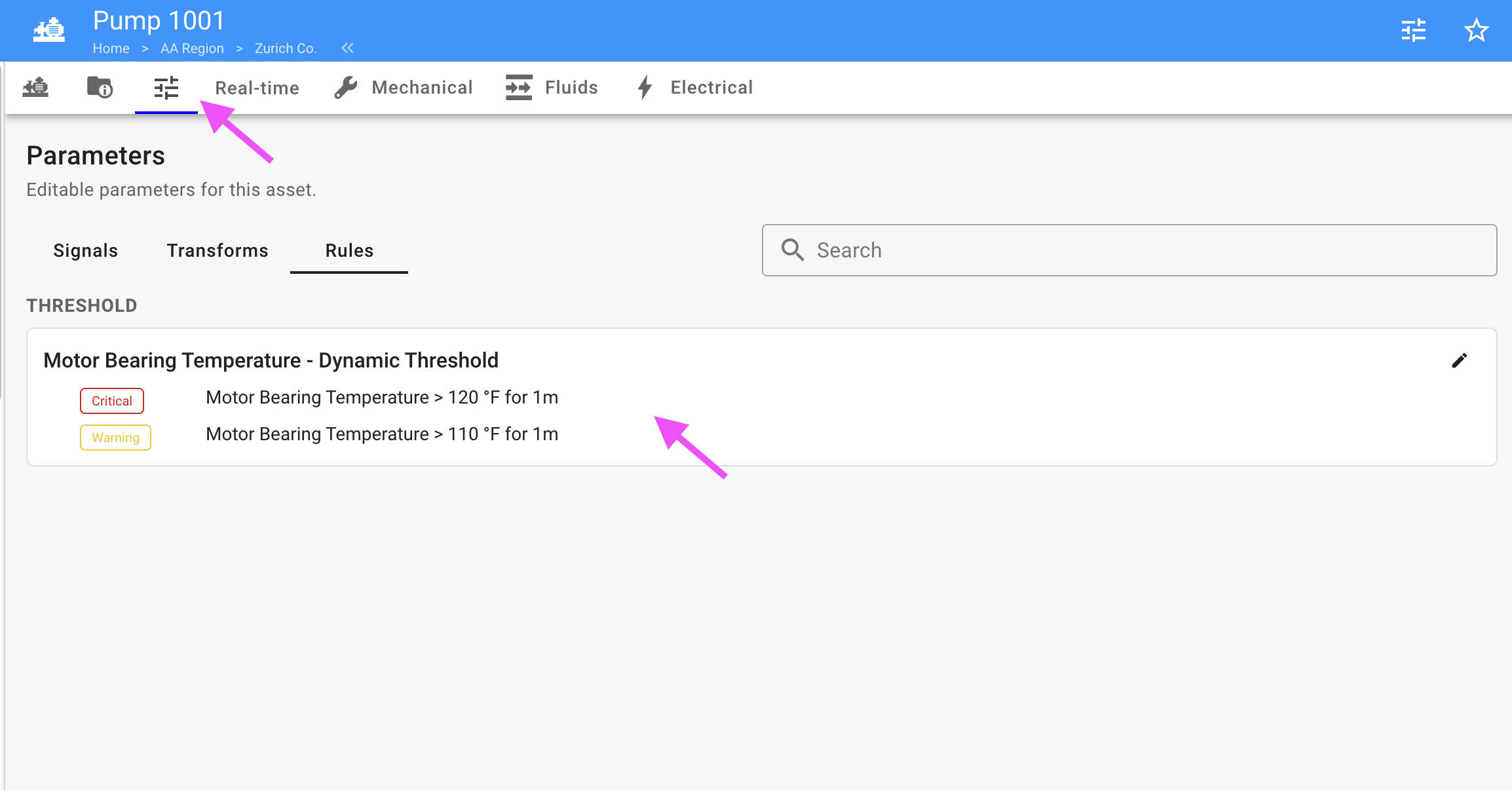
Asset Templates let you define an asset type once - a pump skid, a compressor package, a chiller - and roll it out across every unit of that type. Template Asset Overrides now let an individual asset deviate from its template where it genuinely needs to: a different alarm threshold for a unit running in a hotter climate, a different sensor mapping for a customer’s non-standard wiring. The asset stays connected to its template for everything else, so you’re not stuck maintaining thousands of one-off configurations to handle a handful of exceptions.
Control Form Panel, Array Data Panel, and Subsystems
All three are now included on the Professional and Scale tiers. Subsystems group related signals within a complex asset - the drive-side bearing versus the non-drive-side bearing on the same motor, for instance - so an operator can navigate a complicated piece of equipment without hunting through a flat list of tags.
A pump OEM with a standard skid design can set the threshold rule and dashboard layout once in the template, then override just the two or three parameters that actually change unit to unit - say, discharge pressure limits for a hotter climate - without rebuilding anything else.
Full release notes: 2025 archive (opens in new tab), v2.46.27. Asset Templates documentation: Asset Templates - Exosite Documentation (opens in new tab).
Rolling out one asset type across a growing fleet? Schedule a Demo.