
March 18, 2026
Product Updates: Insight Modes & Smarter Asset Search
By Mike Aanenson · 1 min read · Product
As an OEM’s ExoSense deployment grows past one admin and one engineer, the question stops being “can we build custom analytics logic” and starts being “how do we change it without breaking something that’s live in front of customers right now.”
Insight Modes: Live, Draft, and Locked
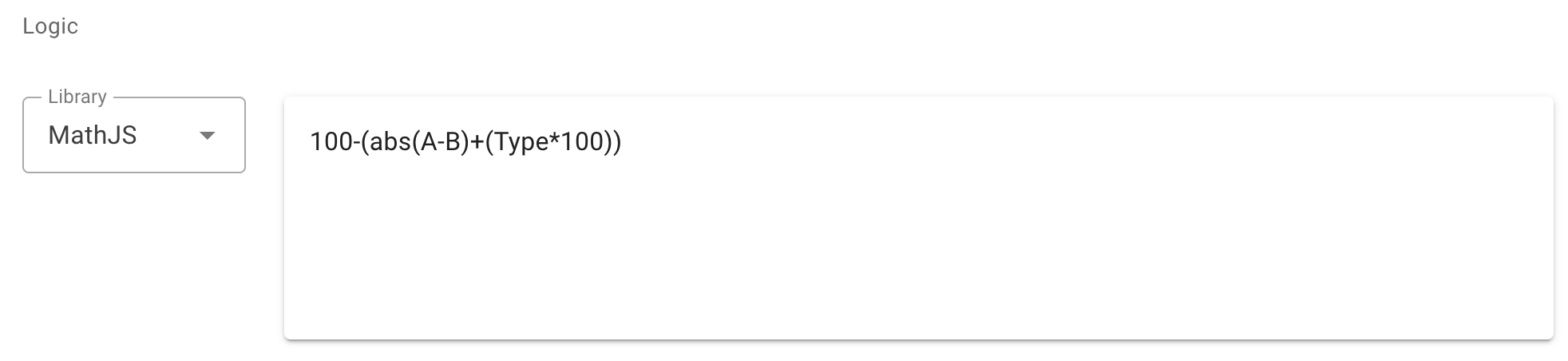
An Inline Insight function - custom logic that transforms or combines signal data - can now be set to Draft while it’s being built or tested, Live once it’s actually driving production dashboards and rules, or Locked to prevent further edits entirely. A team can stage a change to alarm logic in Draft, verify it against real data, and only then flip it Live, instead of editing production logic directly and finding out about a mistake from a customer’s phone call.
Asset Grid Metadata Column Search
Search across custom metadata fields - serial number, install date, customer site code, whatever an OEM has set up - directly in the Asset Grid, useful once a fleet is in the thousands and scrolling isn’t an option.
Improved Device Unclaim Workflow
When a device is unclaimed from an asset, it’s now clearer what happens to that asset’s signal connections, reducing the chance of an asset silently going dark because a device swap didn’t fully disconnect the old one.
Full release notes: current release notes (opens in new tab), v3.15.0. Inline Insights documentation: Custom Inline Insights - Exosite Documentation (opens in new tab).
Managing analytics logic across a growing team? Schedule a Demo.