
September 23, 2019
Product Updates: Multi-Tenant Theming - One Platform, Every Customer's Brand
By Mike Aanenson · 1 min read · Product
An OEM selling a condition-monitoring product under its own name has one platform underneath and, usually, more than one audience in front of it - different resellers, different regional divisions, sometimes different end customers entirely. None of them should have to look at someone else’s logo.
Group-Level Theme Customization
Group-level theme customization lets different groups within a multi-tenant deployment carry their own look - logo, colors, and default icons - rather than every user seeing one fixed theme regardless of which customer or reseller group they belong to. It’s configured centrally, in the same admin theme settings that control instance-wide branding, but scoped down to the group level where it’s needed.
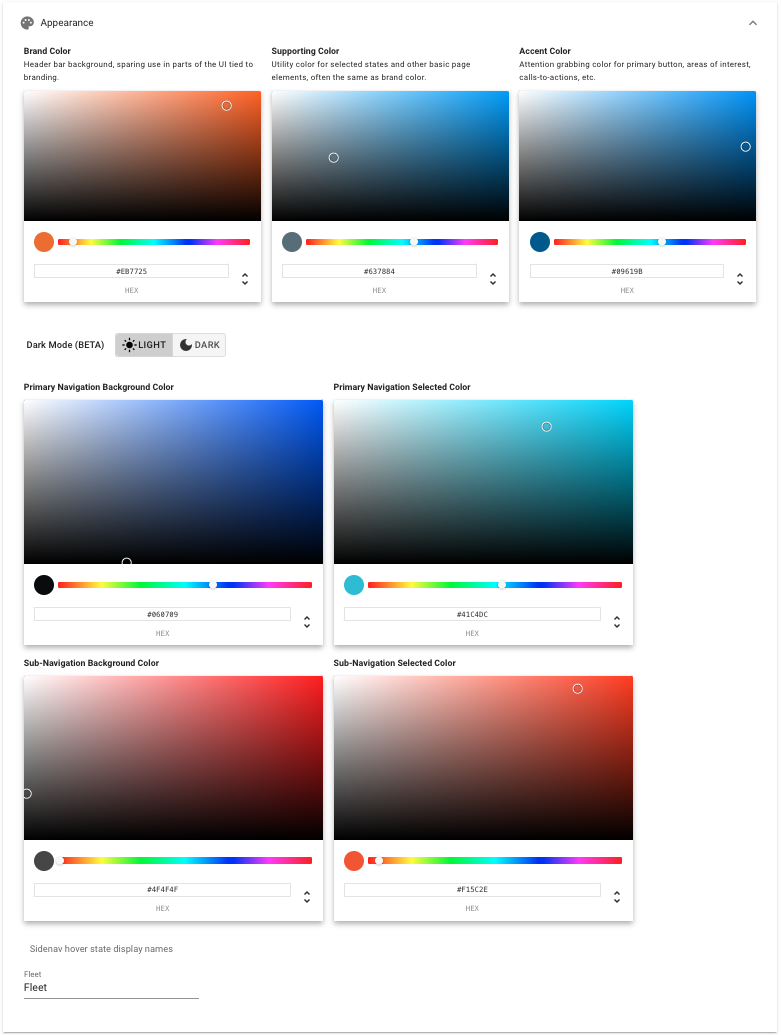
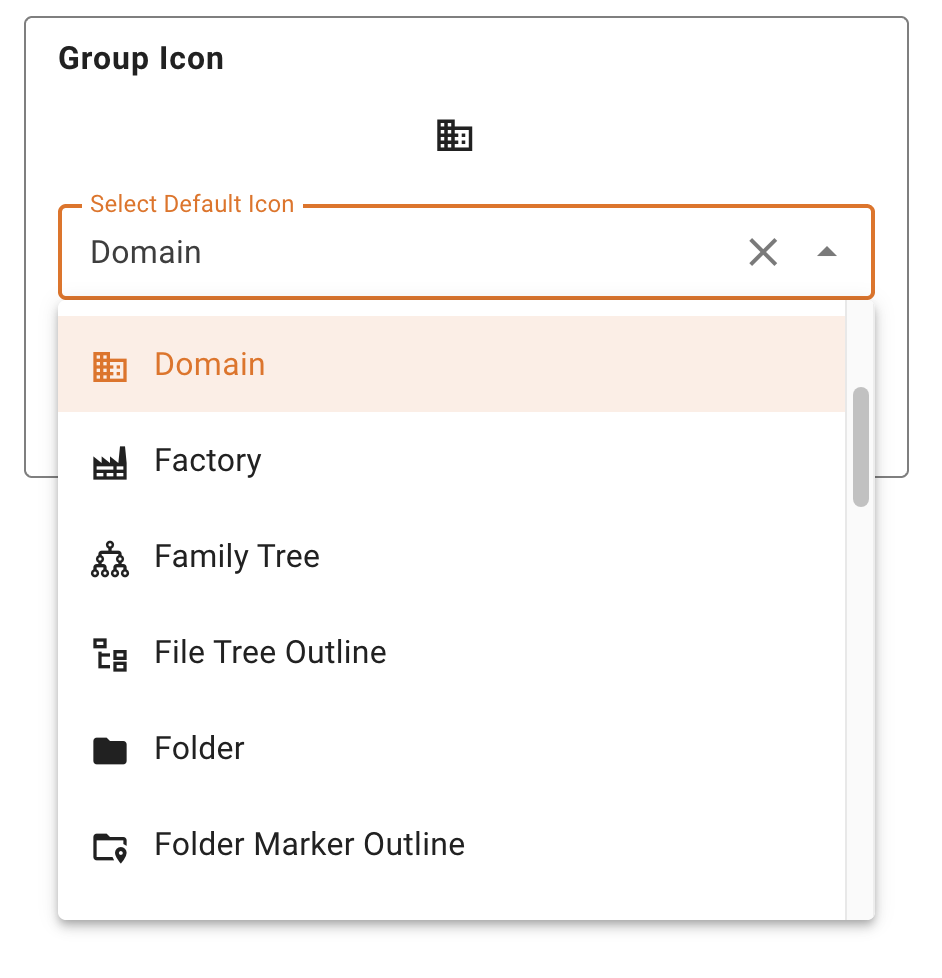
This is the mechanic underneath the whole white-label pitch: one Murano and ExoSense account, and every reseller or customer group that logs into it sees a product that looks like theirs, not like a shared tool with someone else’s branding bolted on.
Full release notes: 2019 archive (opens in new tab), v2.25.0. Theme configuration documentation: Application Management - Exosite Documentation (opens in new tab).
Want to see your own brand on top of ExoSense? Schedule a Demo.